
Banned From Equestria APK Not Installing? Android Fixes
When the Banned From Equestria APK is not installing, start with the source page and the exact file label before changing Android settings. Most failures come from an incomplete download, an older package already installed, a device compatibility limit or a permission granted to the wrong app.
What the installation message usually means
Use the first matching row, then make one change at a time. An error message narrows the next check, but it does not prove that an APK is official or safe.
| Message or symptom | Likely cause | First check | Do not do |
|---|---|---|---|
| App not installed | An older community package conflicts with the signature or package identity | Check installed apps and keep only the source file you intend to test | Do not try several random mirrors with similar names |
| There was a problem parsing the package | The download is incomplete or the APK is not suited to the device | Return to the source page and download the listed file again | Do not rename a different file to make it look like an APK |
| Play Protect warns or blocks | The package is community-made, uses an older target or has limited reputation data | Keep Play Protect on and review the source, permissions and file label | Do not turn off Play Protect for the whole device |
| There is no install option | The current browser or file manager has not been allowed to install unknown apps | Grant the permission to that one source app, then revoke it after setup | Do not enable unknown-app installs for unrelated apps |
| The game installs but never finishes loading | The wrapper, device memory or Android compatibility is the limiting factor | Try a clean restart, free storage and the browser or PC fallback | Do not assume repeated reinstalls will repair a wrapper limitation |
Why the Banned From Equestria APK can fail to install
Banned From Equestria is an older Flash-era fan game, while the Android files currently visible on the source page are community packages. The APK is therefore a wrapper or distribution choice around preserved game material, not a Google Play release from the original creator. A file can be present on a source page and still fail on a particular Android version because its package metadata, target SDK, signing history or bundled runtime does not match the phone.
The first useful distinction is between download failure and installation failure. If the file stops early, has an unexpected size or disappears into a browser download error, return to the source page before touching permissions. If Android reads the file and rejects it, move to package conflicts, compatibility and security checks. If installation finishes but the game stalls, the problem is more likely the wrapper or device than the download button.
The page checked on August 4, 2026 is the BFE-Spanish itch.io source. It lists community Android 1.6 at 60 MB and Android 1.5 EN-ES at 73 MB, alongside Windows and SWF files. Those labels are evidence about the current listing, not a promise that either package works on every phone.
What this page can and cannot verify
This guide can help you compare the file name, source, Android permission and failure state. It cannot certify a third-party package as malware-free, replace a device security prompt or prove that a higher version number is an official release. The original creator has no verified Android APK record in the source trail used by this site.
If the source listing changes, trust the current publisher page over an old screenshot, copied file name or search-result snippet. For version provenance, use the version evidence guide before following advice written for a different build.
Before retrying, check the source and file
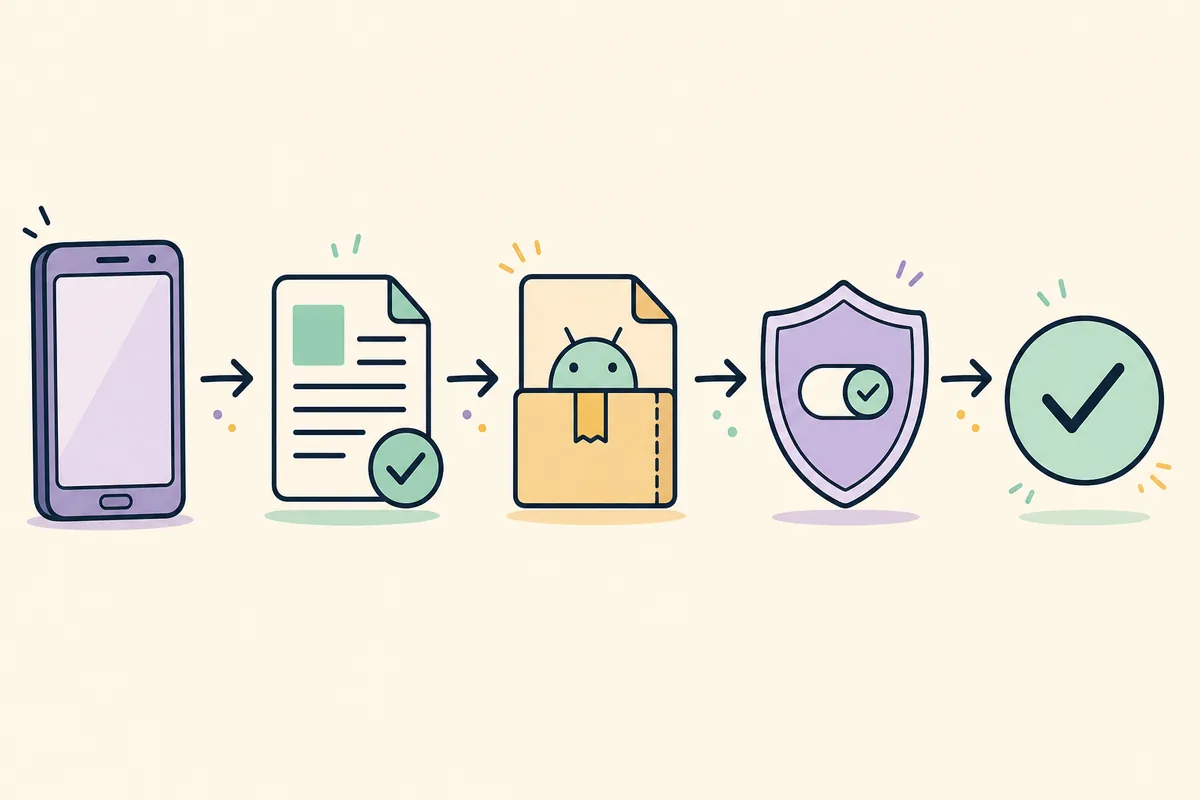
Open the source page directly and compare the displayed filename with the file in your Downloads folder. The current listing separates `BFE 1.5 EN-ES (ANDROID).apk` at 73 MB from `BFE 1.6 (ANDROID).apk` at 60 MB. Do not assume that a file named 1.6.5 is the same package, or that a larger number means a newer original game. The site's APK download page explains the community status and links back to the current source.
Check free space before downloading again. Keep room for the APK, temporary extraction and the installed application. If a download manager reports an incomplete file, remove only that incomplete copy and download from the same publisher page. Avoid APK aggregators that change the filename, add a countdown mirror or provide no publisher context.
If the phone already contains a similarly named BFE package, record which build you need before uninstalling. An uninstall can remove local app data, and Android package signatures can prevent an update from replacing a package installed from a different source. When progress matters, use the browser player or keep the old package until you understand the save boundary.
The four-minute preflight
Confirm the source domain is `bfe-spanish.itch.io`, the extension is `.apk`, the size is plausible for the listing and the phone has enough free space. Then scan the Android Downloads entry for an incomplete or duplicated file. These checks are faster and safer than repeatedly allowing unknown sources or installing packages from unrelated mirrors.
- Match the filename to the current itch.io file list.
- Confirm the download completed and storage is available.
- Check whether an older community package is already installed.
- Keep the browser player or PC route available as a fallback.
Use Android permissions narrowly
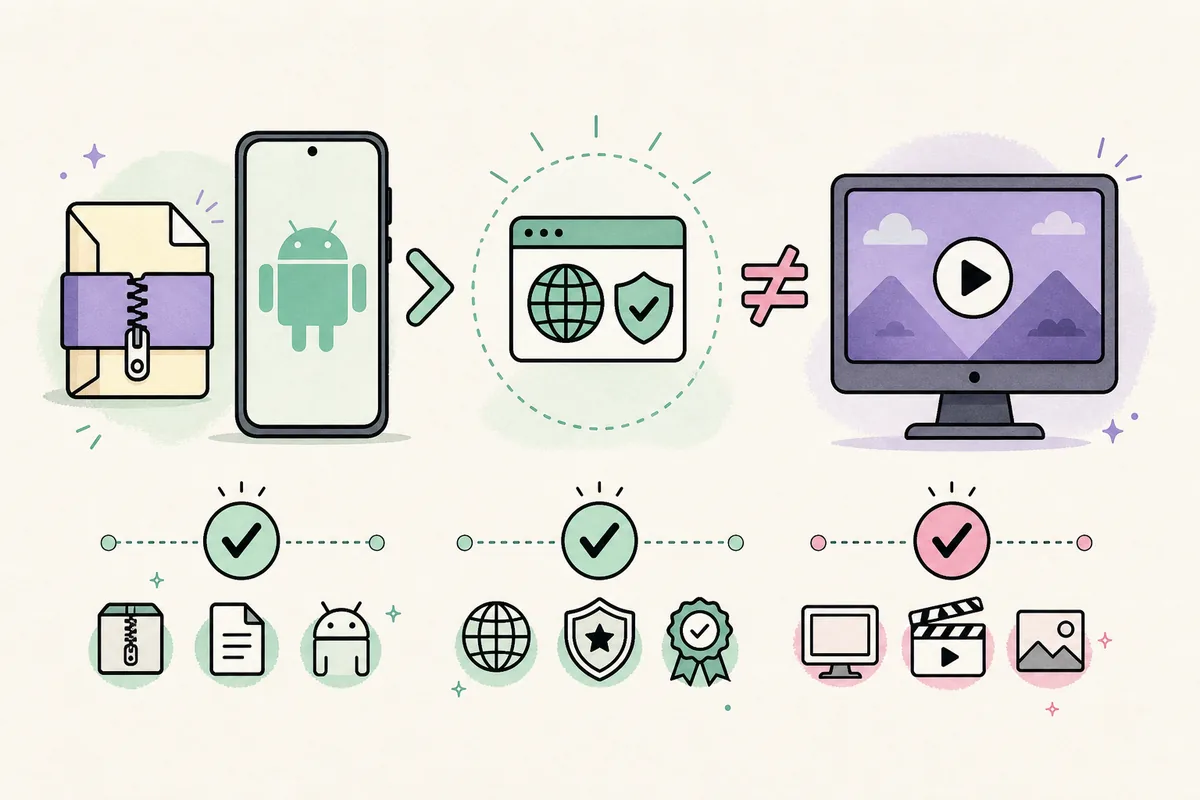
Android may ask you to allow the current browser or file manager to install unknown apps. That setting belongs to the app that opened the APK, not to the entire device. Allow it only when you are following the source you intended to use, complete the install, then return to the same settings screen and revoke the permission. Menu names vary by Android version, so use the phone's own settings search if the option is difficult to find.
Play Protect warnings deserve a pause rather than a blanket bypass. A community APK can have limited reputation data or an older Android target, and that explains why a warning may appear without proving a specific malware result. Keep Play Protect enabled, stop when the requested permissions do not fit an offline game, and use the browser or PC route when the package cannot be reviewed with confidence.
Never treat a successful install as a safety certificate. Review the app permissions, publisher context, file name and version source together. The versions page separates original Alpha 1.5 content from community packaging, while the source listing is the place to check the current files.
If Android says the app is not compatible
Compatibility can depend on Android release, CPU architecture, target SDK behavior, available memory and the wrapper's bundled runtime. Do not promise that 1.6 is universally more compatible than 1.5. Try the source-listed alternative only when you understand what changes, and do not mix files from different mirrors. If the device continues to reject the package, use the PC download guide or the browser player rather than weakening device security.
Fix the common error states one at a time
For `App not installed`, first check for an existing community build and the amount of storage available. If you need to remove the old package, assume its local progress may be removed too. Install only the file you selected from the source page, and stop if Android reports a signature conflict that you cannot explain.
For a parsing error, recheck the extension and download completion. An APK that was interrupted, renamed from another format or served through a broken mirror cannot be repaired by changing a permission. Download a fresh copy from the same source page and compare its visible name and size before trying again.
For a game that installs but stalls, close background apps, restart the phone and test whether the browser or PC route loads the preserved Alpha 1.5 content. If the alternative works, the issue is likely the Android wrapper or device compatibility. The gameplay guide explains controls and save expectations without treating every package as identical.
When to stop troubleshooting
Stop when a mirror asks you to disable several protections, install an unrelated helper, grant broad permissions or download a file with no publisher trail. A failed community wrapper is frustrating, but it is not a reason to replace the source with an untraceable APK.
You do not need an APK to play
An Android install failure does not mean the game is unavailable. The preserved English Alpha 1.5 build can be opened through the site's real external Ruffle player, and desktop users can compare browser Ruffle, a Windows community package or a SWF with Ruffle Desktop. The Play Online page is the simplest fallback when you want to test the game without installing a package.
The PC guide explains why an APK should not be treated as a native Windows installer. Browser and desktop saves may not transfer to an Android wrapper, so start a fresh save or keep the platform boundary clear. If you are following route instructions, check the walkthrough hub and the build notes before assuming that a missing scene is an installation problem.
This fallback is useful for diagnosis: if Alpha 1.5 loads in Ruffle but the Android package does not, you have separated the game content from the wrapper problem. That is a more reliable conclusion than trying several packages until one opens.
Source, version and safety boundaries
The current source check found community Android 1.6 at 60 MB, community Android 1.5 EN-ES at 73 MB, a Windows executable at 23 MB and an SWF at 21 MB on the itch.io listing. The latest visible development-log entry was June 21, 2026. These facts can change, so the source page remains the download destination and the page date identifies when this site last checked it.
The original creator's preserved site does not provide a verified Android release record in the source trail used here. For that reason, this page uses community, source-checked and illustrative language. It does not call the package official, safe, virus-free or the latest original version. Keep the 18+ notice in mind, and stop using the page or game if you are under 18.
After a successful install, review permissions once more, revoke unknown-app permission for the browser or file manager and keep the source filename with your own notes. A clear record makes it easier to remove the package later or report a changed listing.
Banned From Equestria APK install FAQ
Why is the Banned From Equestria APK not installing?
Check the current itch.io filename and download size first, then look for an older community package, low storage, a device compatibility limit or a permission missing for the browser that opened the file. A community wrapper can fail even when the source page is reachable.
Should I turn off Play Protect to install it?
No. Keep Play Protect enabled. A warning may reflect a community package, older target behavior or limited reputation data, but bypassing device protection globally is not a reliable fix. Stop if the source or requested permissions cannot be explained.
What should I do when Android says App not installed?
Check whether another BFE community package is installed, confirm free storage and download only one source-listed APK. Removing an older package can remove its local data, so preserve any progress you need before uninstalling.
Is Banned From Equestria Android 1.6 guaranteed to work?
No. The source page currently lists BFE 1.6 Android at 60 MB, but compatibility varies by device, Android release and wrapper behavior. The listing fact does not guarantee installation or make the package an official Pokehidden release.
Is there an official Banned From Equestria APK?
This site's source review has not found a verified Android APK published by the original creator. The linked Android files are presented as community distributions from the BFE-Spanish itch.io page.
Can I play Banned From Equestria without installing an APK?
Yes. Use the real external Ruffle browser player for the preserved English Alpha 1.5 build, or follow the PC guide for browser, Windows and SWF options. Saves may not transfer between those platforms and Android wrappers.